Winlog Development Tools
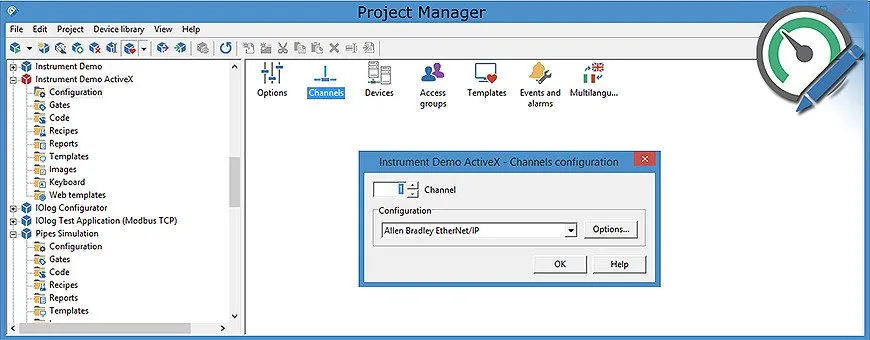
Project Manager is an integrated development environment with different tools (Gate Builder, Template Builder, Code Builder, Application Builder, …) for simple and intuitive creation of supervisory applications.
Gate Builder
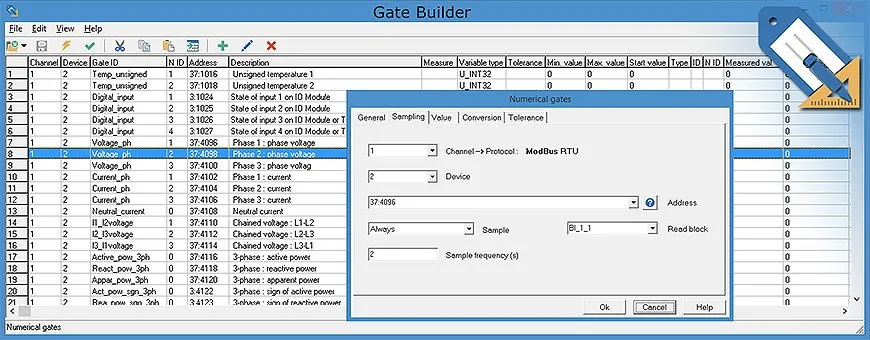
Gate Builder is a tool for creating and managing the gates (TAGs) database. Different types of gates can be defined (numeric, digital, string, compound, event, alarm) with their properties (name, description, address, measurement unit, scale factor). Gates can be sampled by field devices (PLCs, controllers, multimeters, I/O modules, …) or generated locally. Sampling can be configured for each gate or set of gates for more efficient and organized data lookup and logging on disk (batch sampling, schema sampling, data logging on value change with configurable threshold).
Template Builder
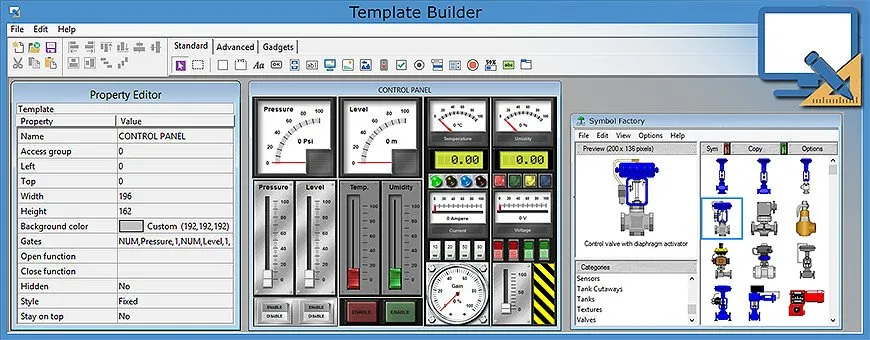
Template Builder is the visual development tool for easy, intuitive interface design; a template can be constructed simply by dragging and dropping into the page the desired element (bitmap, metafile, text, value, state bar, led, controls) and configuring its properties (size, style, associated variables, …). Each object can be restricted to only be accessed by specific user classes. Template Builder is also able to create web template for the Web Client.
The Template Builder development tool includes a graphic library with thousands of SVG static icons such as pumps, valves, motors, tanks, PLCs, piping, ISA symbols, and a library of animated objects, both digital (buttons, switches, leds) and analog (pointer indicators, potentiometers, led displays) objects, as well as complex ones (motors, pumps, valves, tanks, pipes).
Code Builder
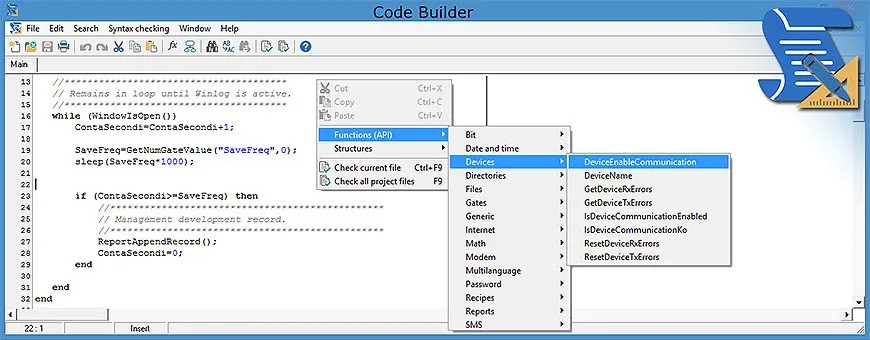
Code Builder is the integrated development environment to provide additional functions and customizations to an application; the simple programming language can interact with any Winlog Evo component (gates, synoptics, recipes, reports, etc.), define loops and conditions, create functions (Macro) that can be executed programmatically or from operator commands. The editor allows users to easily access all language functions and constructs, insert them into the project, and automatically check the syntax.
Application Builder
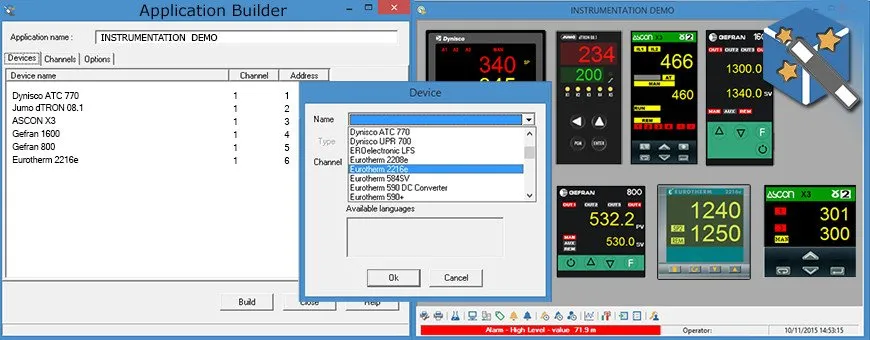
Using the Application Builder, objects representing devices from various manufacturers, as well as specifically designed objects that correspond to bigger system sections, can be pulled directly from a library and combined to build SCADA applications, drastically reducing development times.
In addition to the variable list of the represented object, software objects may include supervisory and configuration templates (front panel, trends, …) and a list of events and alarms with the relevant management procedures. If the software objects were created using the multi-language option, the final application will also be automatically created in multi-language mode.
Smart App Builder
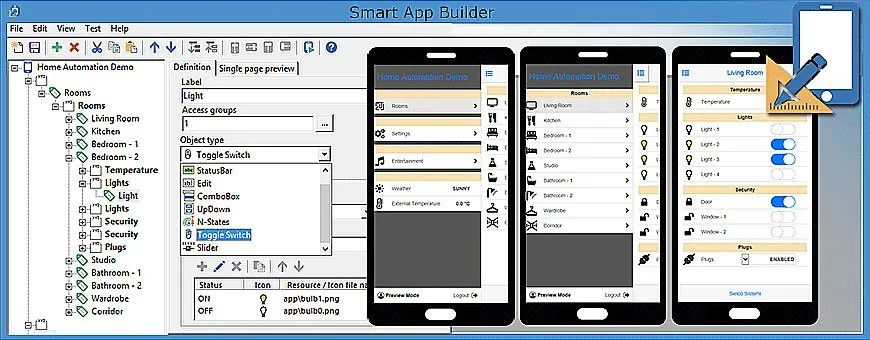
Smart App Builder is the interactive development tool for the creation of web applications (Smart Apps) optimized for mobile devices (iOS, Android); the Smart App can interact with the Server application to monitor and control variables in the supervision process (SCADA).
Each defined project variable can have a category assigned to it, as well as a display mode (item). A series of standard graphical objects such as Label, StatusBar, Bitmap UpDown, Edit Box, Slider, Combo Box, N-States Box, Switch can be assigned to each item for data display and control.
The Smart App is structured like a menu with sections and their elements and sub-elements, which can be navigated much like any standard mobile application.